
/ LAB NOTES / ENGLISH
Homewire and go-matter 1.0: A Local Matter Hub for Linux
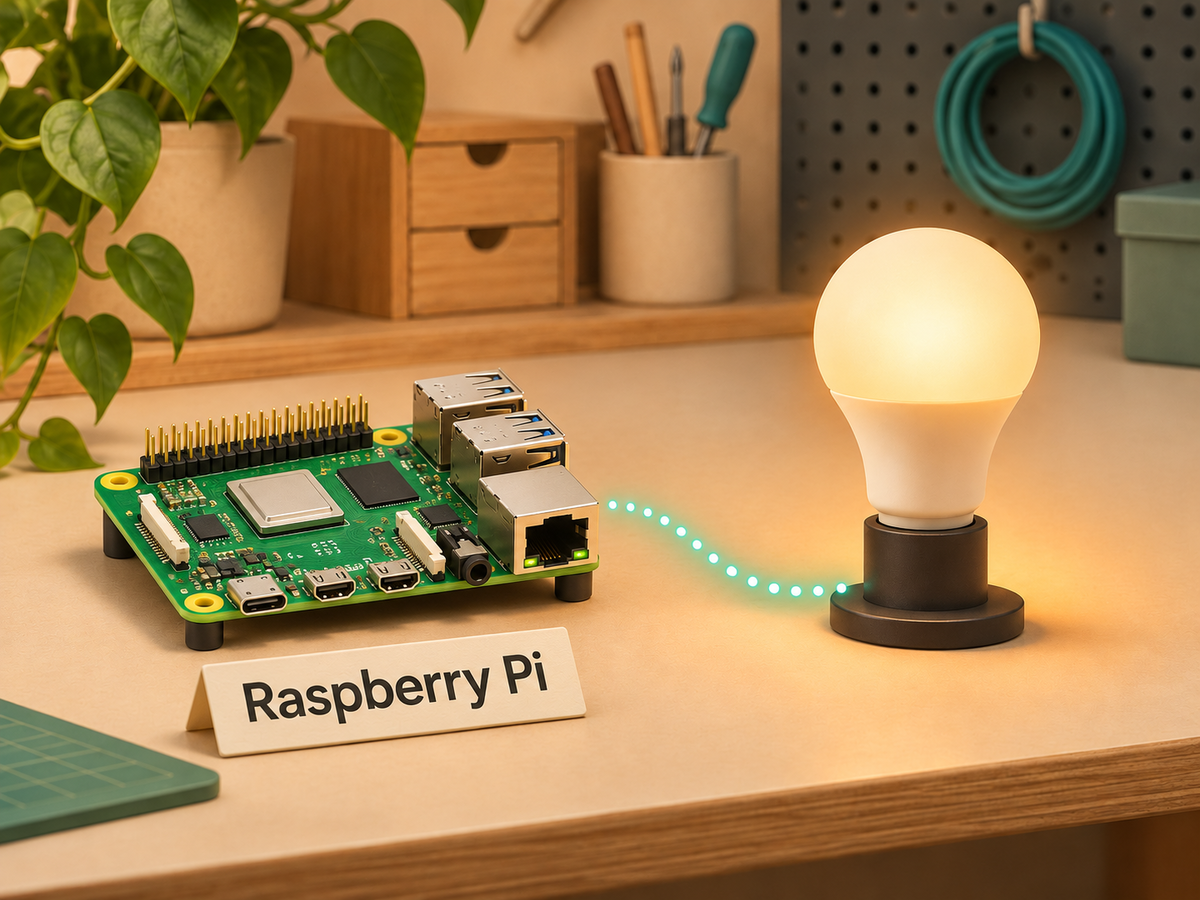
To set up and control a Matter device, you need a Matter controller. A commercial smart home hub is one way to get one. I wanted to use hardware I already had, such as a Linux PC or a Raspberry Pi. Homewire 1.0 runs the controller and serves a web UI from a single Go executable. For supported Wi-Fi and Ethernet devices, that Linux machine can be your Matter hub. You don't need to buy a separate one.
I installed the v1.0.0 package on a Raspberry Pi 400 running 64-bit Raspberry Pi OS (Debian 13). After setting up BlueZ and unblocking Bluetooth, I paired a bulb over Bluetooth LE. I also tested Homewire on an Intel PC running Ubuntu 26.04.
Homewire is built on go-matter 1.0, a pure-Go Matter implementation. Before the 1.0 release, I finished testing the controller with real devices, including Bluetooth and IP pairing, subscriptions, and multi-admin. The library's separate device role is still experimental.
On this page3 sections
Pair a light and see it respond
For a new Wi-Fi device, enter its Matter setup code and Wi-Fi details in the web UI. Homewire finds the device over Bluetooth LE and gives it the credentials it needs to join Wi-Fi. The Linux host needs a Bluetooth adapter and BlueZ for this path. For a device already on Wi-Fi or Ethernet, Homewire can discover it by mDNS and pair with it over the LAN while its pairing window is open.
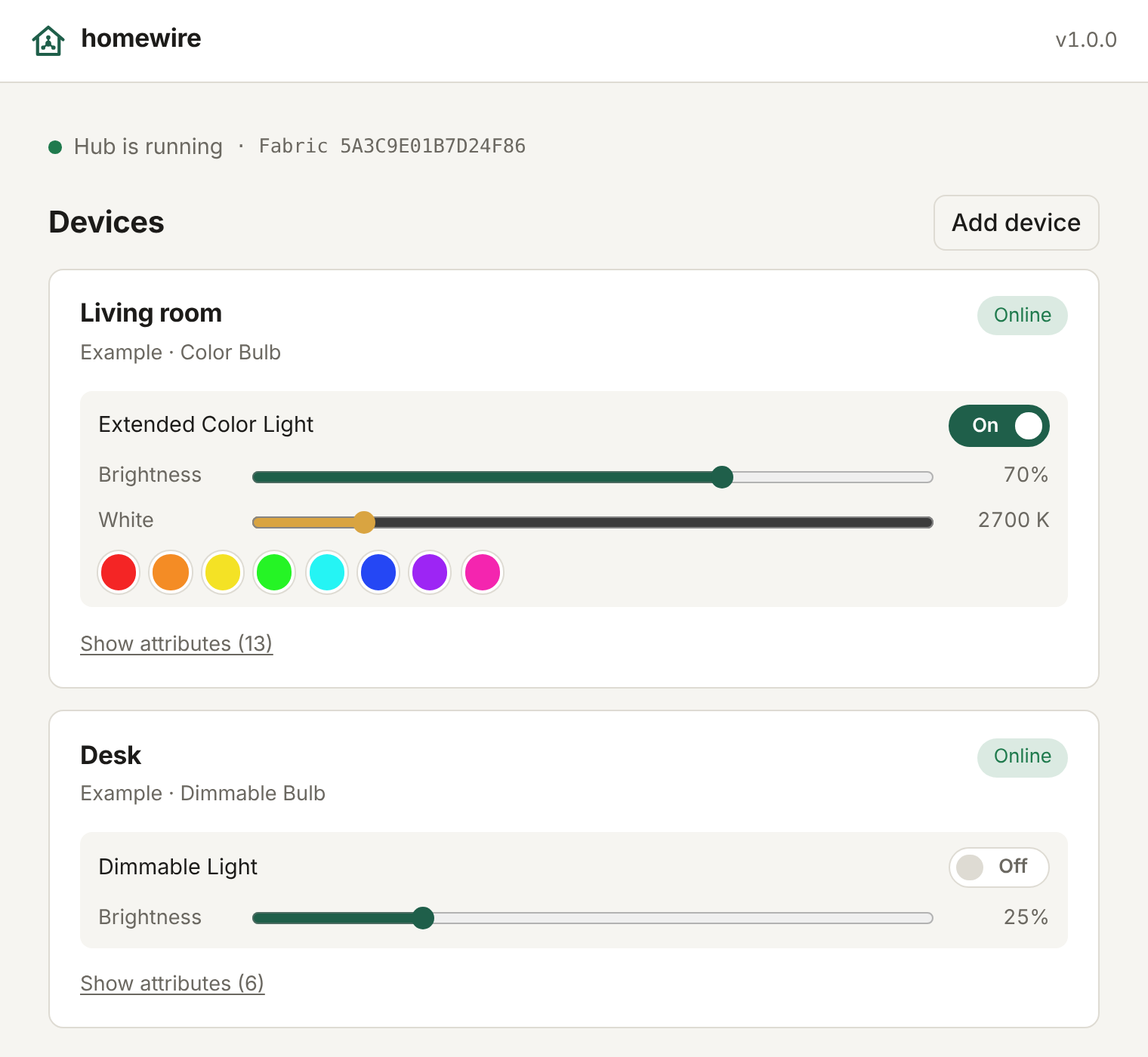
Once paired, the hub subscribes to the device's state. The web UI shows updates as the hub receives them and gives you on/off, brightness, white color temperature, and color controls where the light supports them.
Install it or build on it
For a new installation, use the Homewire v1.0.1 release. The amd64 and arm64 .deb packages install the hub as a systemd service and pull in BlueZ when installed with apt. The current requirements list Debian 12 or later, Ubuntu 22.04 or later, and 64-bit Raspberry Pi OS. The 32-bit Raspberry Pi OS is not supported.
The service listens on the host only by default. Run homewire open on the host to open the web UI. If Bluetooth discovery fails on a Pi, the tagged setup guide shows how to unblock Bluetooth and check that the adapter is powered. The 1.0.1 UI now distinguishes unavailable Bluetooth from a device it could not find.
If you want to build your own controller rather than run the hub, go-matter v1.0.0 provides the commissioner API, including Bluetooth and IP pairing, device attestation, subscriptions, and multi-admin. Its public commissioner API is now stable. Thread commissioning is not part of 1.0, and Homewire 1.0 does not include automations or remote access. These are independent open-source projects, not Matter-certified products.
Use it alongside an existing hub
At home, I also verified that Homewire and Google Home could control the same light through Matter's multi-admin feature. I added a light from Homewire to Google Home, and tested the reverse path by opening a pairing window in Google Home and adding the light to Homewire. The sharing guide shows both flows.